How to use a Small INI file with the Batch Program of #SWMM5
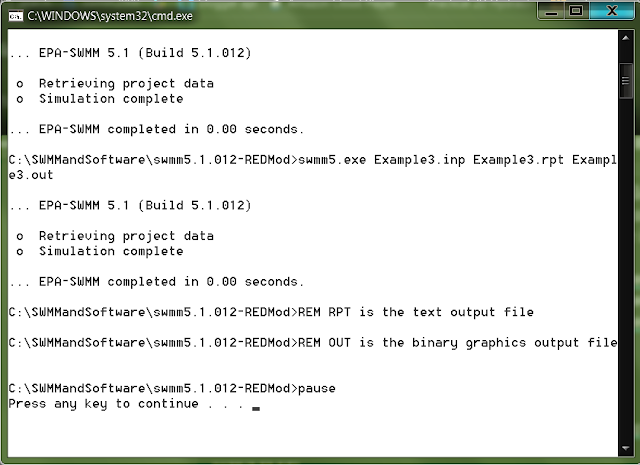
A great feature of SWMM5 is the ability to use batch files to call the Console engine of SWMM5 or SWMM5.EXE. This is used by many students and professionals for Monte Carlo and other analysis. Here is a sample batch file and Figure 1 shows the screen output. swmm5.exe Example1.inp Example1.rpt Example1.out swmm5.exe Example2.inp Example2.rpt Example2.out swmm5.exe Example3.inp Example3.rpt Example3.out REM RPT is the text output file REM OUT is the binary graphics output file pause Figure 1 - Windows DOS Batch File Screen an issue is that once you run the SWMM5.EXE program you cannot see the graphs in the GUI. However, you can make a small ini file as in this here is an example of minimum ini file for example1.inp [SWMM5] Version=51011 [Results] Saved=1 Current=1 if you have this ini file then the graph icons are turned on (for example1.inp in Figure 2) but not for Example2.inp (Figure 3) as it did not have an ini file. Figure 2 - Using a small INI file t...